Changelog
Track every update, feature, and improvement to SendStock AI.
AI Upscale & Optional File Writing
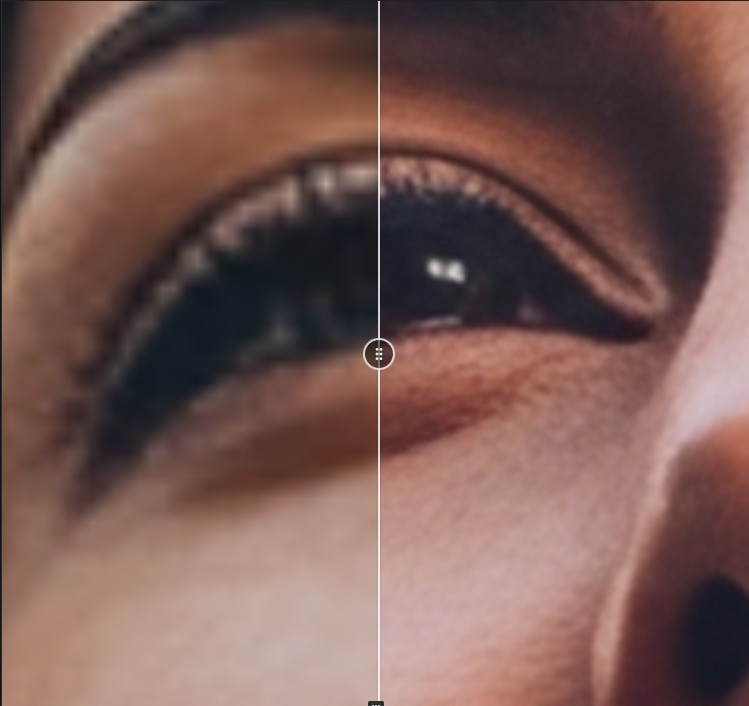
AI Upscale
Enlarge your images to 2K or 4K with AI, for far more detail than the free local upscaler, which stays available. Uses AI credits.
Optional File Writing
Choose which formats get metadata written into the file, and up to which size. CSV exports always contain everything.
Video Input & Sharper Metadata
This release focuses on metadata quality and performance — especially for video. The AI now understands your clips as motion, not just a single frame, and can analyze your visuals in higher detail.
Video Input
Your videos are now understood as videos. Instead of writing metadata from a single frozen thumbnail, the AI reads the movement and action across the whole clip — for titles and keywords that actually match what happens on screen.
- Motion-aware: Captures the action and camera movement of the clip, not just one moment
- More accurate metadata: Fewer generic titles, keywords that reflect the full scene
- Cloud & local: Works with both cloud and local AI models
Higher Analysis Resolution
The AI can now analyze your images and videos in higher detail, so it identifies fine elements with far more confidence.
- Sharper recognition: Small text, textures, species, and distant subjects are read more precisely
- Fewer mistakes: Less guessing on tricky or detailed visuals
- Adapts to your hardware: Local models automatically use the highest resolution your GPU can handle
Performance & Reliability
- Optimized metadata generation for better speed and stability
- Improved handling of large video files during analysis
New PRO Local AI Model
A much more powerful local AI vision model is now available for high-end GPUs — get near cloud-quality metadata without spending a single credit.
Gemma 4 Pro
Our largest local vision model yet, built for powerful graphics cards. It delivers richer, more accurate titles and keywords — approaching the quality of cloud models, while running fully offline and free of credits.
- Near cloud-quality: Noticeably better metadata than lighter local models
- For high-end GPUs: Requires 24 GB of VRAM (e.g. RTX 4090)
- 100% local & free: Runs on your machine and uses no AI credits
Image Resolution Control
Choose how much detail the AI sees before it writes your titles and keywords. Higher resolutions capture fine details — small text, textures, distant subjects — for noticeably more accurate metadata.
- Adjustable quality: Pick from 512px up to Max, right from the AI Model settings
- Sharper metadata: More detail means fewer mistakes on tricky or detailed images
- Cloud & local: Works with cloud models and local models alike
- Smart limits: Local models automatically adapt the available range to your GPU
Stability Improvements
- Fixed a crash when importing large batches of 4K/8K videos
Create Images & Videos with AI
The biggest update yet — generate stock-ready images and videos directly inside SendStock AI, powered by the latest AI models.
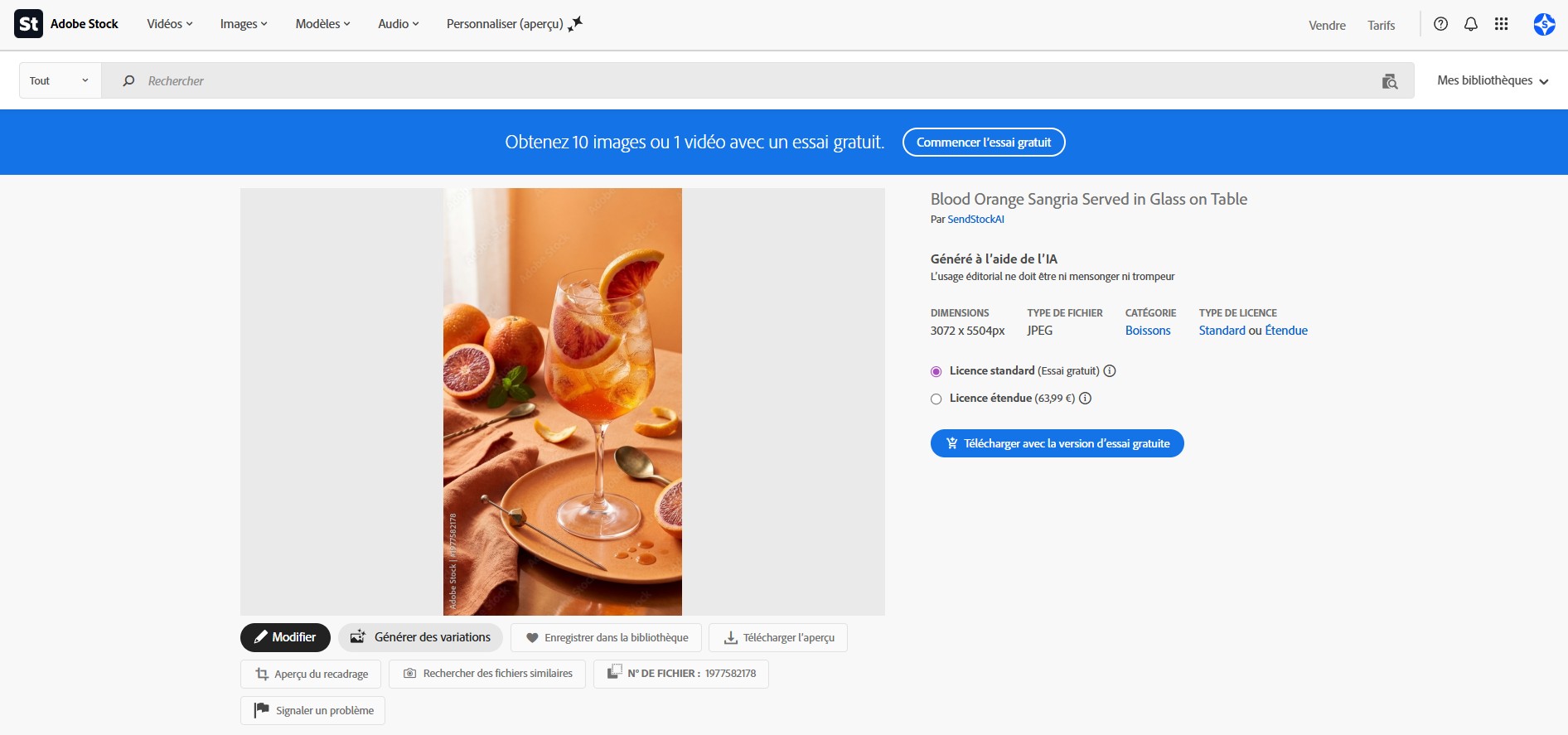
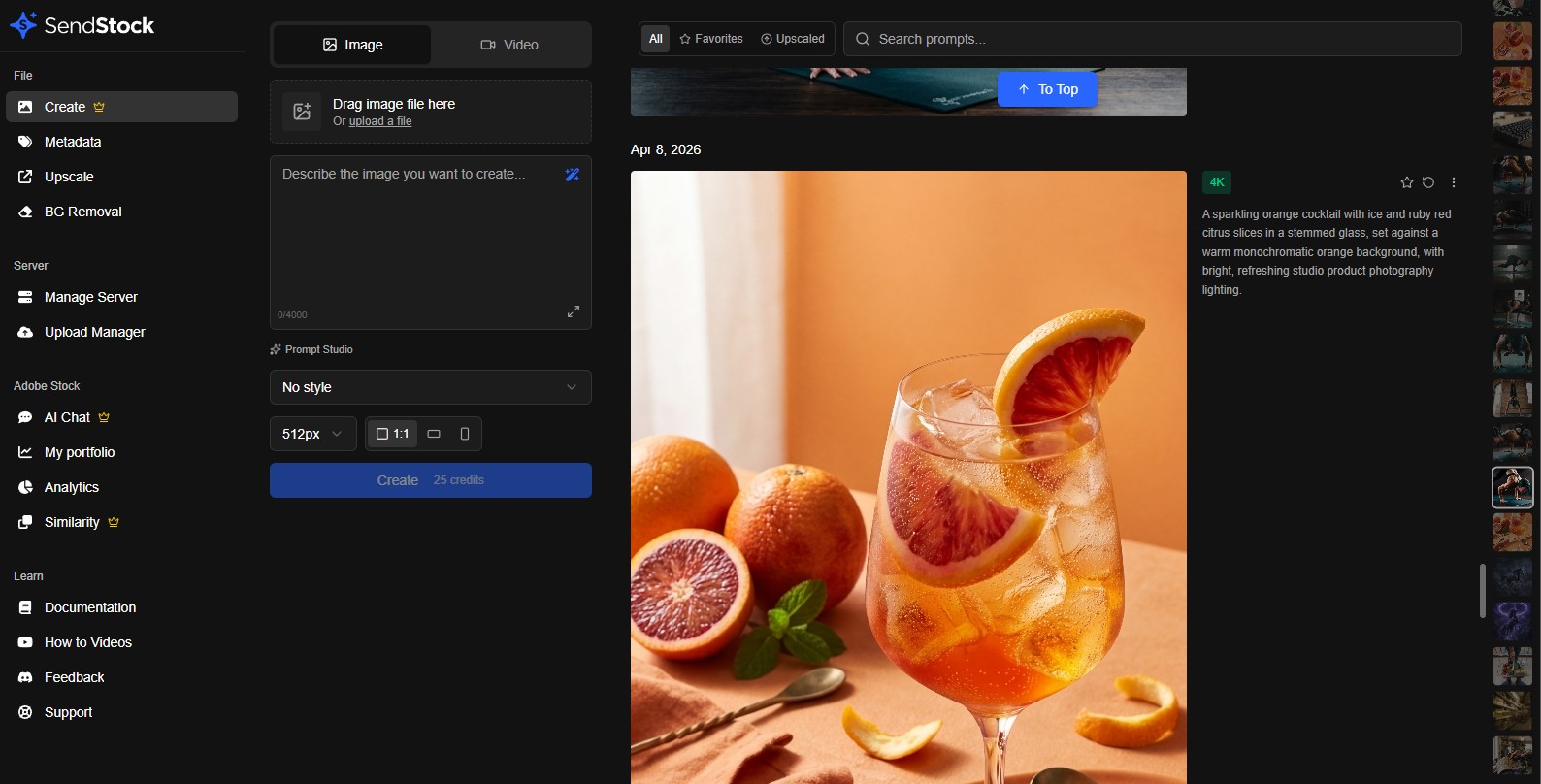
1 Create Images
Generate stock-ready images from text prompts. Choose styles, aspect ratios, create variants, and upscale to 4K — all inside the app.
- Text to image: Describe what you want, AI generates it
- Style presets: Photography, illustration, 3D render, and more
- Variants: Generate variations of any image with one click
- 4K upscale: Upscale any generated image to stock-ready 4K resolution
- Prompt Studio (FREE): Drop any image to reverse-engineer its prompt
2 Create Videos
Generate HD and 4K videos from text prompts with full control over camera motion, duration, and framing.
- HD & 4K resolution: Choose the quality that fits your needs
- Camera motion: Dolly, jib, focus shift, static — cinematic controls
- Multiple durations: 6s, 8s, or 10s clips
- First & last frame: Control exactly how your video starts and ends
3 New AI Models
- Gemma 4 by Google: New local AI model for faster, higher quality metadata generation
- Gemini 3 Flash by Google: Latest cloud AI model for even better titles and keywords
Adobe Stock AI Chat & Model Management
Chat with AI about your Adobe Stock portfolio, manage your AI models from a unified settings panel, and enjoy real-time folder sync with your OS.
1 Adobe Stock AI Chat
An AI analyst trained on your actual Adobe Stock data — now available directly in the desktop app. With access to your real portfolio metrics.
- Portfolio analysis: Get insights on downloads, trends, and top performers
- Keyword optimization: AI compares your keywords vs best-sellers
- Niche discovery: Find profitable categories with low competition
- Asset attachment: Click any portfolio asset to analyze it in chat
- Real-time streaming: Responses stream in real-time with tool call indicators
2 AI Models Management
A unified settings panel to manage all your AI models — cloud and local — from one place.
- New AI Models tab: Select your default model, configure API keys, all in one view
- Local AI integration: Start/stop your local server, download models, configure GPU — inline
- Temperature control: Adjust creativity for local AI generation with a slider
- Smart model switching: API keys persist per model, switch without losing configuration
3 Live Folder Sync
The folder panel now watches your filesystem in real time. Add, rename, or delete files from Windows Explorer or macOS Finder — the app updates instantly.
AI Background Removal
Remove backgrounds from your images directly inside SendStock AI. Runs 100% locally on your machine — no cloud, no limits, no credits used.

One-Click Background Removal
Drop an image and get a clean cutout in seconds. Everything runs on your machine — no usage limits.
- High-quality AI: Accurate segmentation for people, objects, and complex scenes
- 100% local & private: Your images never leave your computer
Live Preview
See the result instantly with a before/after slider. Adjust settings and watch the preview update in real time — no need to re-process.
- Before/after slider: Compare original and result side by side
- Real-time adjustments: Tweak mask settings and see changes instantly
- Zoom & pan: Inspect fine details at any zoom level
Mask Refinement Controls
Fine-tune the mask with professional controls for perfect edges every time.
- Feather: Smooth edges for natural-looking cutouts
- Threshold: Control how aggressive the background detection is
- Edge cleanup: Remove halos and fringing around edges
Flexible Output
- Transparent PNG: Export with transparency for compositing
- Solid background: Replace with any color and export as JPG
- Custom naming: Add prefix/suffix to output filenames
- Custom destination: Save to a different folder
Cross-Platform
Works on both Windows and macOS with optimized performance on each platform.
Built-in Image & Video Upscaler
Upscale your images and videos directly inside SendStock AI. Get production-ready results with automatic post-processing — no external tools needed.
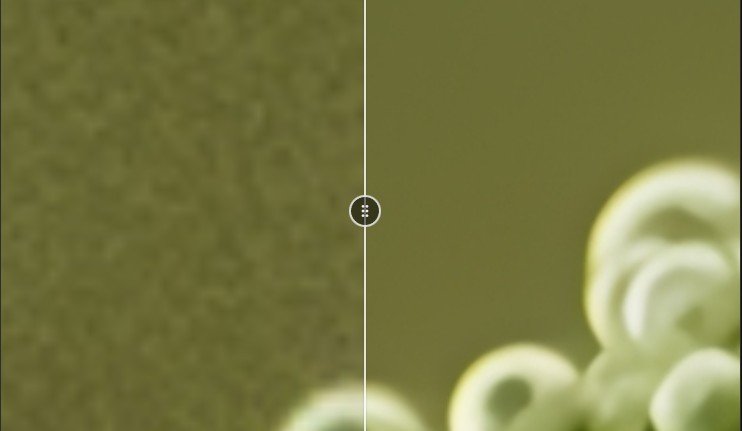
Image Upscaler
Upscale your images up to 4x their original resolution, directly from the sidebar.
- Up to 4x upscale: Enlarge images while preserving detail and sharpness
- Multiple models: Choose the best model for your content type
Post-Upscale Processing
Every upscaled image goes through an automatic pipeline for production-ready output.
Video Upscaling
Upscale videos frame by frame with real-time progress tracking and ETA. Perfect for improving the resolution of stock video clips before submission.
Under the Hood
- AVX2 fallback: Automatic compatibility mode for older CPUs
- Reorganized sidebar navigation for easier access to all tools
Smarter Saving & Improved Stability
Never lose track of your changes again. Version 2.5 introduces unsaved change tracking, smarter clear options, and significant local AI stability improvements.
Unsaved Changes Tracking
Instantly see which files have been modified with a visual "Unsaved" indicator on each file card. A global banner reminds you to save before closing.
- Per-file indicator: Each modified file shows an "Unsaved" badge
- Global banner: A top banner warns when you have unsaved changes
- Automatic reset: Indicators disappear after saving
Smart Clear Options
The clear button is now a dropdown with two options, so you don't lose your work accidentally.
- Clear all files: Remove all files from the workspace
- Clear metadata only: Reset titles and keywords but keep your files loaded
Selection-Aware Save
When files are selected, the save button now only saves the selected files. Deselect all to save everything at once.
Improved Local AI Stability
The local AI engine is now more reliable with better error recovery and clearer feedback.
- Cascade timeout prevention: AI requests no longer pile up when the model is slow
- Contextual error messages: Get specific feedback instead of generic errors
- Automatic recovery: The engine resets cleanly between requests
Multi-Model AI & Microsoft Store
Choose the right AI model for your hardware, enjoy automatic setup, and install directly from the Microsoft Store.
Multi-Model Support
Pick the local AI model that best fits your hardware. Smaller models run faster on modest GPUs, while larger models deliver richer metadata.
- 2B model: Lightweight, runs on any GPU
- 4B model: Balanced speed and quality
- 8B model: Best quality for powerful hardware
Automatic AI Setup
No more manual downloads. The local AI engine downloads and configures itself on first use. Just click "Generate" and everything is handled for you.
Microsoft Store
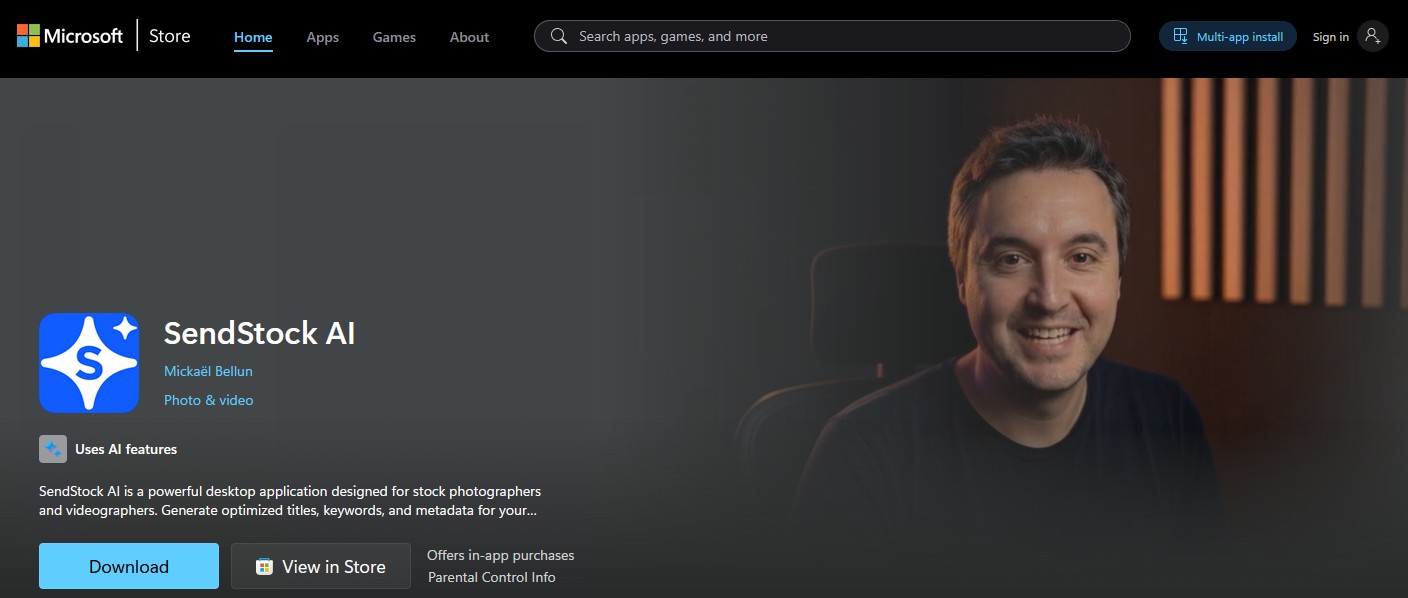
SendStock AI is now available on the Microsoft Store for easier installation and automatic updates on Windows.
Bug Fixes
- Fixed EPS preview with proper transparent background display
- Fixed crash during AI generation on video files (MP4/MOV)
- Fixed tooltips staying open after hover
- Improved context isolation between AI requests
Analytics & Workflow Improvements
Track your Adobe Stock portfolio performance and enjoy a smoother metadata generation workflow with new options and fixes.
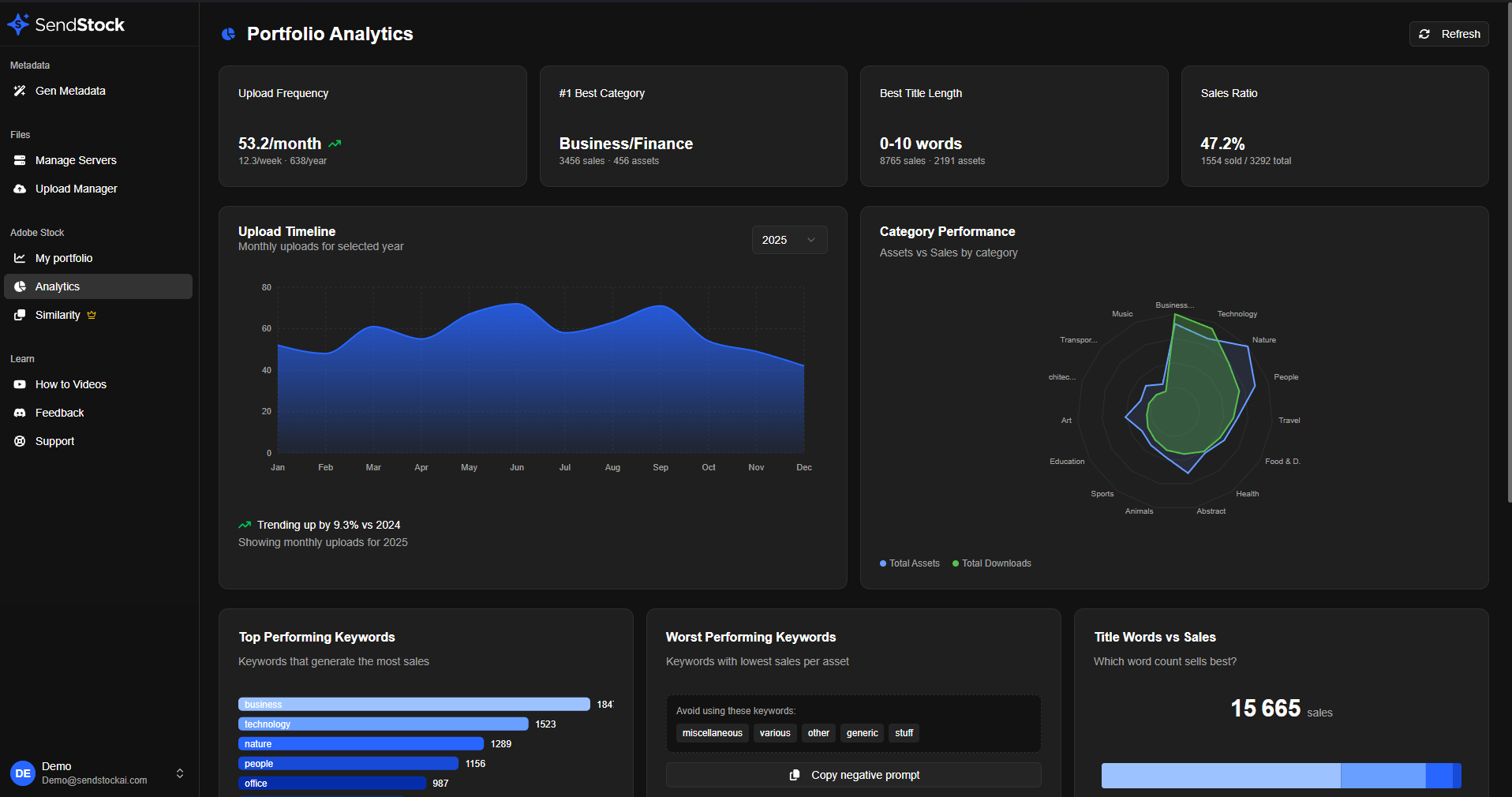
Portfolio Analytics Page
A brand new Analytics page gives you insights into your Adobe Stock portfolio performance.
- Performance metrics: Total assets, downloads, and sales ratios
- Category breakdown: See which categories perform best with radar charts
- Keyword analysis: Discover your top-performing keywords
- Title word cloud: Visualize the most common words in your titles
Title in Context Option
New preference to control whether the title is included in the context when generating keywords.
- Enable: Title is prepended to context for more relevant keywords
- Disable: Generate keywords independently from the title
Save Button with Shortcut
Quick save button now shows the keyboard shortcut indicator (Ctrl+S / Cmd+S) for faster workflow.
Bug Fixes
- Fixed CSV export issues for improved reliability
- Various stability improvements
Full Video Format Support
SendStock AI now fully supports Apple MOV video files alongside MP4. Import, process, and upload your QuickTime videos with complete metadata extraction.
MOV Video Support
Apple's MOV format is now a first-class citizen in SendStock AI. Whether you're shooting on iPhone, using Final Cut Pro, or working with professional cameras that output MOV, your workflow stays seamless.
- Full metadata extraction: Duration, resolution, codec info, and more
- Thumbnail generation: Preview your MOV files just like any other format
- AI generation: Generate titles and keywords for your video clips
- Direct upload: Send MOV files to stock platforms via FTP/SFTP
Faster Video Processing
We've optimized how the app handles video files for a snappier experience.
- Skipped hash calculation: Video files no longer compute full file hashes, dramatically speeding up import
- Smarter duplicate detection: Uses file metadata instead of content hashing for large video files
- Reduced memory usage: Better handling of large MOV and MP4 files
Bug Fixes
- Fixed settings sync that could overwrite user input while editing
- Improved stability for large batch imports
- Various performance optimizations
Local AI Now Works on Any GPU
Your local AI vision model just got smarter. SendStock AI now automatically optimizes performance based on your graphics card, making professional metadata generation accessible to everyone.
Intelligent GPU Optimization
The app now detects your GPU capabilities and automatically adjusts to give you the best performance. Whether you have a high-end gaming card or entry-level graphics, you'll get fast, quality results.
- Entry-level GPUs (2-4GB): Smart hybrid mode splits work between GPU and CPU for 3-4x faster generation than CPU-only
- Mid-range GPUs (6-12GB): Full GPU acceleration for maximum speed
- High-end GPUs (14GB+): Handles the most advanced models with ease
Same Quality, Faster Results
No matter your hardware, you get the exact same AI-generated metadata quality. The only difference is speed—and we've made sure even modest systems deliver impressive performance.
Automatic Detection
Everything happens automatically. Just open the app and start generating—no configuration needed. Check Settings to see your detected GPU and optimization mode.
The Ultimate Upgrade for Stock Contributors
SendStock AI 2.0 brings a completely redesigned interface and powerful new features to supercharge your workflow. This is our biggest update yet, designed to help you upload more content, faster.
Brand New Interface
Your workspace got a complete makeover with a modern, intuitive design that makes every action smoother.
Local AI Vision Model for Image Titles and Keywords
Generate titles, keywords, and descriptions using a local AI vision model running directly on your computer.
- Added local AI vision model for generating image titles, keywords, and descriptions
- Local image processing does not consume AI credits
- Low-latency metadata generation using on-device AI vision
Smarter File Management
- Hover over any file to see an instant preview
- Rename files directly with a right-click
- Drag entire folders from your computer
- All changes sync automatically
Enhanced Similarity Detection
Stop wasting uploads on rejected duplicates. Our improved similarity search shows visual progress, direct links to similar files, and smarter matching.
Simplified Upload Workflow
- Cancel individual files mid-upload
- Retry only failed uploads with one click
- Visual breadcrumbs show exactly where files are going
- Track progress for every single file
Performance Improvements
Faster file loading, reduced memory usage, smoother scrolling through large batches, and optimized image processing.
Smarter Submissions for Adobe Stock
Advanced Similarity Analysis
Know before you upload with our new similarity detection system. See similarity scores as percentages, review potential duplicates, and avoid spam flags.
Adobe Stock Portfolio Sync
Import your entire Adobe Stock portfolio directly into SendStock AI. Review past submissions and make informed decisions about new uploads.
Update Notifications
Stay informed with our new notification system. Get alerts about new features and helpful tips right in the app.
macOS Release & Stability
Full macOS Support
SendStock AI is now officially available for Mac! Fully signed, notarized, and compatible with macOS 10.13 and later.
Automatic Updates
The app now updates itself automatically. Get new features and fixes without lifting a finger.
AI Metadata Generation Goes Live
Multiple Generation Modes
Choose exactly what you need: generate titles only, keywords only, or both at once. Batch process entire collections.
Smart Generation Features
- Generate All button for bulk processing
- Visual confirmation when fields are AI-generated
- Preview results before applying
- Content filter alerts
Subscription Launch
Unlimited plan now available. Generate as much as you need without worrying about credits.
Enhanced File Support
Better Transparency Handling
PNG and SVG files with transparency are now processed perfectly. Your alpha channels stay intact through the entire workflow.
Support Integration
Need help? Direct support link added to the app. We're here for you.
Illustrator EPS Support
Fixed metadata writing for EPS files from Adobe Illustrator. Your vector graphics get proper keywords now.
Upload & Export Improvements
Refined the upload system based on user feedback. FTP/SFTP transfers are now more reliable, and CSV exports handle edge cases better.
The Beginning
SendStock AI launches! The first AI-powered metadata generator built specifically for stock contributors.
Core Features
- Customizable AI prompts for fine-tuned metadata generation
- Multi-format support: JPG, PNG, EPS, MP4
- AI metadata generation powered by leading AI models
- FTP/SFTP uploads to Adobe Stock, Freepik, 123RF, and more
- Full EXIF/XMP metadata support
- Bulk processing with drag & drop
Ready to Get Started?
Join stock contributors using SendStock AI to generate perfect metadata in seconds.