Upscale, Clean
& Enhance
SendStock AI enhances your stock photos before upload with two editing tools: AI-powered 4x image upscale using AI, and one-click background removal with transparent PNG output. All processing runs locally on your computer — your files never leave your machine.
AI Image Upscale
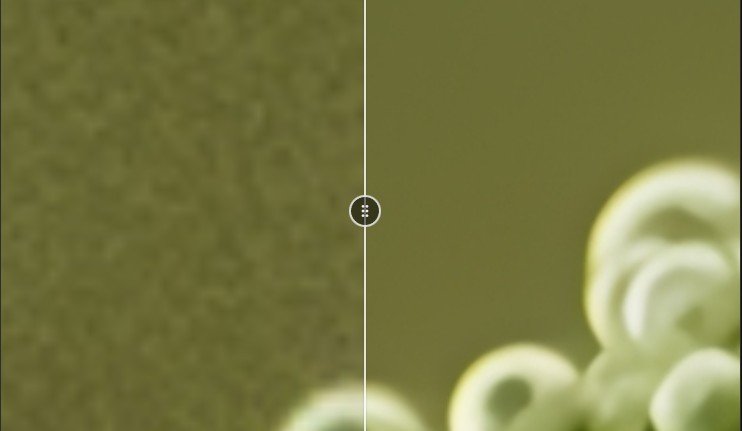
SendStock upscales images up to 4x their original resolution using AI models. A 1000x1000 pixel image becomes 4000x4000 while preserving sharpness and detail. Processing runs on your GPU with automatic VRAM detection — no cloud upload, no waiting queue. Video upscaling up to 8K UHD is also supported for MP4 and MOV files.
- 2x or 4x resolution enhancement
- GPU-accelerated with auto VRAM detection
- 100% local — no cloud upload
Background Removal
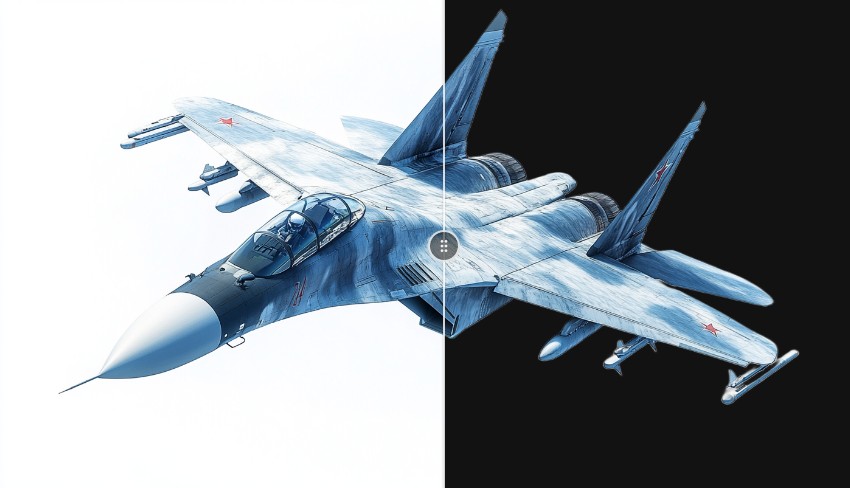
Remove image backgrounds in one click with SendStock AI. The tool creates transparent PNGs with clean alpha channels, ready for stock agency upload. Preview the mask before applying, choose between transparent output or a solid color background. All processing runs locally — your images stay on your computer.
- One-click transparent PNG output
- Preview mask before applying
- 100% local — no cloud upload
Frequently Asked Questions
How does AI image upscale work?
SendStock uses a Vulkan-accelerated AI engine to upscale images up to 4x their original resolution. It supports 2x and 4x scaling with automatic GPU detection. The engine runs locally on your machine — no cloud upload, no queue, no file size limit. Supported input formats: JPG, PNG, WEBP.
How does background removal work?
SendStock uses an ONNX-based AI model that runs locally to detect and remove backgrounds. The output is a transparent PNG with clean alpha channel. You can preview the mask before saving, adjust post-processing, or choose a solid color replacement. Batch processing is supported. Your images never leave your machine.
Which GPUs are supported?
Upscale uses Vulkan, which supports NVIDIA, AMD, and Intel GPUs. Background removal uses ONNX runtime with CPU or GPU acceleration. SendStock automatically detects your VRAM and selects the optimal profile. For GPUs with 2-6 GB VRAM, a hybrid GPU+CPU mode is used. CPU-only machines are fully supported — processing is slower but works.
What are the system requirements?
- OS: Windows 10+ or macOS 11+
- RAM: 8 GB minimum (16 GB recommended for large images)
- GPU: Optional — any Vulkan-compatible GPU (NVIDIA, AMD, Intel). CPU-only fallback available.
- Disk: ~200 MB for AI models (downloaded on first use)
Last updated: March 2026
Better Images
More Sales
Enhance your stock photos before uploading to increase acceptance rates and downloads.
Start free — upscale and background removal included with the desktop app.